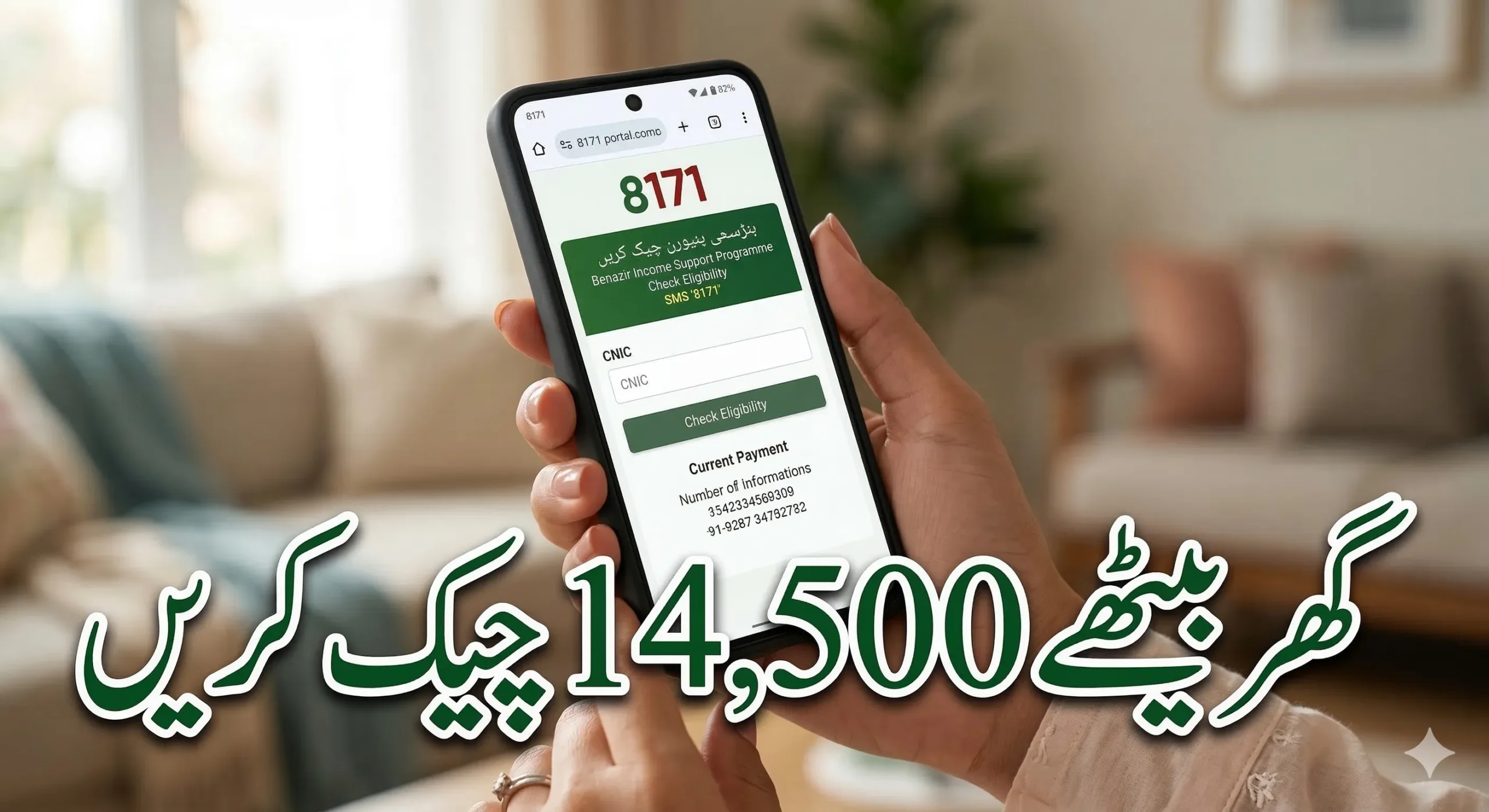
If you are trying to check your BISP balance or eligibility and the 8171 web portal is not loading correctly, you are not alone. Many people experience issues where the website shows a blank page, refuses to accept a CNIC number, or simply freezes. Most of the time, this happens because of “cache” data stored on your phone or computer.
In this article, we will explain why this happens and provide a very easy, step-by-step guide to fixing it so you can check your payment status without any stress.
Why the 8171 Web Portal Stops Working
The 8171 portal is used by millions of people across Pakistan to check their Benazir Income Support Program (BISP) status. Because so many people use it, the website developers often update the system to make it faster or more secure.
However, your web browser (like Google Chrome or Opera) likes to save parts of websites to help them load faster the next time you visit. This saved data is called Cache and Cookies.

If the 8171 website is updated but your browser is still trying to use the “old” saved version, a conflict occurs. This leads to several problems:
- The page stays white or blank.
- The “Submit” button does not work.
- You get an error message after entering your CNIC.
- The site feels extremely slow even if your internet is fast.
Other factors include high server traffic during the days when BISP payments are released and using an outdated version of your mobile browser.
How to Fix the 8171 Portal Cache Problem
The most effective solution is to “refresh” your browser’s memory. By clearing the cache, you force your phone to download the newest version of the 8171 portal directly from the official government servers. This removes any corrupted files that were causing the errors.

Step-by-Step Solution for All Devices
Whether you are using an Android phone, an iPhone, or a laptop, the process is very similar. Follow these simple steps:
- Open Your Browser: Open the app you use to go on the internet (usually Google Chrome).
- Access Settings: Look for the three small dots in the top right corner and tap them. Scroll down and select “Settings.”
- Find Privacy Options: Look for a section labeled “Privacy and Security.”
- Clear Browsing Data: Tap on the option that says “Clear browsing data.”
- Choose the Right Options: You will see checkboxes. Make sure you select “Cookies and site data” and “Cached images and files.” You can set the time range to “All time” for the best results.
- Confirm: Tap the “Clear data” button.
- Restart and Visit: Close your browser completely, open it again, and type the official 8171 web portal address. It should now load perfectly!
Quick Troubleshooting Checklist
If clearing the cache did not solve your problem, try these quick tips:

| Problem | Quick Solution |
| Page still won’t load | Check if your mobile data or Wi-Fi is working on other sites. |
| CNIC Error | Double-check the 13 digits of your CNIC. Ensure there are no dashes. |
| Website is very slow | Try using the portal early in the morning or late at night when traffic is low. |
| Browser not supported | Switch to the latest version of Google Chrome or Microsoft Edge. |
| No Internet Access | Use the 8171 SMS service by sending your CNIC to 8171. |
Conclusion
Checking your BISP eligibility should be a simple process. If the 8171 web portal gives you trouble, remember that the issue is almost always related to old browser data. By clearing your cache and cookies, you can fix 90% of the loading errors instantly.
Always ensure you are using a stable internet connection and the most updated version of your browser. If the website remains down due to heavy maintenance, you can always use the SMS method as a reliable alternative.
Frequently Asked Questions (FAQs)
1. Why does the 8171 portal work better after I clear my cache?
Clearing the cache deletes old, broken files and replaces them with the newest, working version of the website. It’s like giving your browser a fresh start.
2. Is the 8171 website down right now?
The portal sometimes goes down or becomes very slow when the government releases new payments. If it doesn’t open after clearing your cache, wait an hour and try again.
3. Can I check my status without using the internet?
Yes! You can check your BISP eligibility by sending your 13-digit CNIC number via SMS to 8171. You will receive a reply with your status.
4. Which browser is the best for the BISP portal?
Google Chrome is highly recommended for both Android and iPhone users because it handles the portal’s scripts very well.
5. Will clearing my cache delete my photos or contacts?
No. Clearing your browser cache only removes temporary internet files. Your photos, videos, and contacts are completely safe.