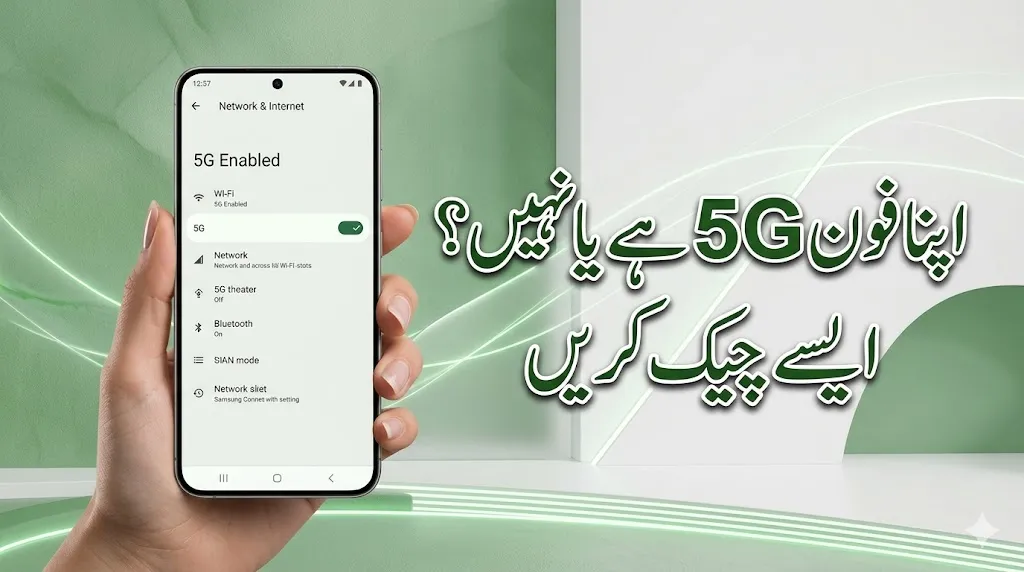
Wondering “Does my phone have 5G?” Follow our step-by-step guide to check 5G compatibility on Android and iPhone, verify bands, and understand hardware requirements.
Is Your Phone Ready? How to Check if Your Phone Supports 5G
As 5G networks expand globally in 2026, having a compatible device is no longer a luxury—it’s a necessity for high-speed browsing, seamless streaming, and low-latency gaming. However, 5G is a hardware-dependent feature. If your phone doesn’t have a 5G modem, a software update won’t fix it.
Here is the definitive way to check if your smartphone is 5G-ready.
1. Check Your Phone’s Settings (The Direct Method)
The most reliable way to see if your phone can connect to 5G is to look at the “Preferred Network” options in your system settings.

For Android Users
Because Android skins (like Samsung’s One UI or Xiaomi’s MIUI) differ, the path might vary slightly:
- Go to Settings.
- Tap on Connections or Network & Internet.
- Select Mobile Network or SIM & Network.
- Look for Preferred Network Type.
- If you see 5G listed among 4G/LTE, 3G, and 2G, your phone is 5G-capable.
For iPhone Users
Apple introduced 5G with the iPhone 12 series. If you have an older model, it will not support 5G.
- Open Settings.
- Tap Cellular.
- Select Cellular Data Options.
- Tap Voice & Data.
- If you see 5G On or 5G Auto, your device supports 5G.
2. Verify via Official Specifications
Sometimes, carriers “hide” the 5G toggle in settings. To be 100% sure, check the official spec sheet.

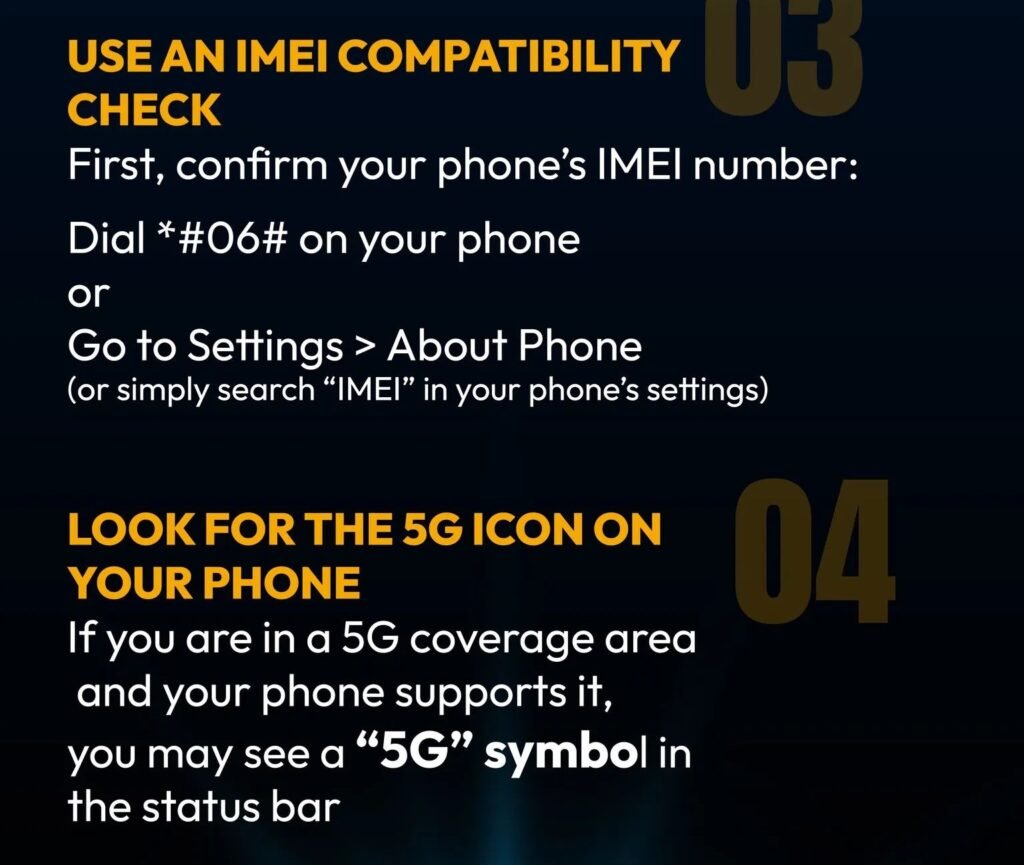
- Find your Model Name (Settings > About Phone).
- Search for your model on the manufacturer’s website or a database like GSMArena.
- Look under the “Network” section.
- Look for 5G bands (e.g., n1, n3, n78). If these are listed, your hardware is compatible.
3. Check Your Processor (Chipset)
The heart of 5G support lies in the processor. If your phone uses one of these common 2024-2026 chipsets, you are almost certainly 5G-ready:
- Qualcomm: Snapdragon 8 Gen 2/3/4, Snapdragon 7+ Gen series, and 5G-specific 6-series.
- Apple: A14 Bionic and all subsequent chips (A15, A16, A17 Pro, A18).
- MediaTek: Dimensity 7000, 8000, and 9000 series.
- Google: All Tensor chips (found in Pixel 6 and newer).
4. Why Your 5G Phone Might Not Show “5G”
Even if your hardware supports 5G, you might still see “4G” or “LTE” in your status bar. This usually happens for three reasons:

- Your SIM Card is Old: Some older 4G SIM cards cannot authenticate on 5G networks. You may need a “USIM” or a specific 5G SIM from your carrier.
- Your Data Plan: Many carriers require you to be on a specific “5G Plan.” Check your mobile app to ensure 5G is enabled on your account.
- Coverage Area: 5G signals travel shorter distances than 4G. If you are indoors or in a rural area, your phone may fall back to 4G to save battery and maintain a stable connection.
5. Summary: 5G Compatibility Checklist
| Requirement | Status |
| Hardware | iPhone 12+ or Android with 5G Chipset |
| Software | Preferred Network set to “5G” |
| SIM Card | 5G-ready SIM or eSIM |
| Plan | Active 5G data subscription |
| Location | Within a 5G coverage zone |
Frequently Asked Questions (FAQs)
1. Can I upgrade my 4G phone to 5G via a software update?
Answer: No, this is not possible. 5G is a hardware-dependent feature. It requires a specific 5G modem and antenna built into the phone’s processor. If your device was manufactured with a 4G-only chipset, no amount of software updates can enable 5G connectivity.
2. I have a 5G phone, but it still shows “4G” or “LTE.” Why?
Answer: There are three primary reasons why this happens even on a compatible device:
- Coverage: You are in an area where 5G signals are weak or unavailable.
- SIM Card: Your current SIM card might be an older 4G model that isn’t optimized for 5G authentication.
- Data Plan: Your mobile carrier may require a specific “5G Data Plan” to be active on your account.
3. Does using 5G drain my battery faster?
Answer: Yes, generally speaking. 5G uses more power to handle high-speed data transfers and maintain a connection with high-frequency towers. However, most modern smartphones have a “5G Auto” or “Smart Data Mode” that automatically switches back to 4G when high speeds aren’t needed, significantly saving battery life.
4. Which iPhone models support 5G?
Answer: Apple introduced 5G support starting with the iPhone 12 series. Every model released after it (iPhone 13, 14, 15, 16, etc.) is 5G-ready. iPhone 11 and all older models are restricted to 4G LTE.
5. What is the difference between “5G E” and real 5G?
Answer: 5G E (5G Evolution) is a marketing term used by some carriers (like AT&T) to describe an enhanced version of 4G LTE. It is not true 5G. Real 5G offers significantly lower latency and speeds that can reach over 1Gbps, which 5G E cannot achieve.
6. Is a new SIM card mandatory for 5G?
Answer: In many cases, a standard 4G USIM will work. However, to get the most stable connection and the highest possible speeds (especially for “5G Standalone” networks), carriers often recommend upgrading to a 5G-specific SIM or using an eSIM.