As of 2026, starting and running a company in Pakistan has become much simpler thanks to digital transformation. The eBiz Portal is now the primary tool for anyone looking to launch a startup or manage an existing corporation. This online platform has removed the old-fashioned need to visit government offices in person, saving business owners both time and money.
By connecting the eBiz Portal login with national records like NADRA, the government has created a smooth way to register businesses, handle licenses, and stay on top of taxes. This guide will walk you through everything you need to know about using the portal in 2026.
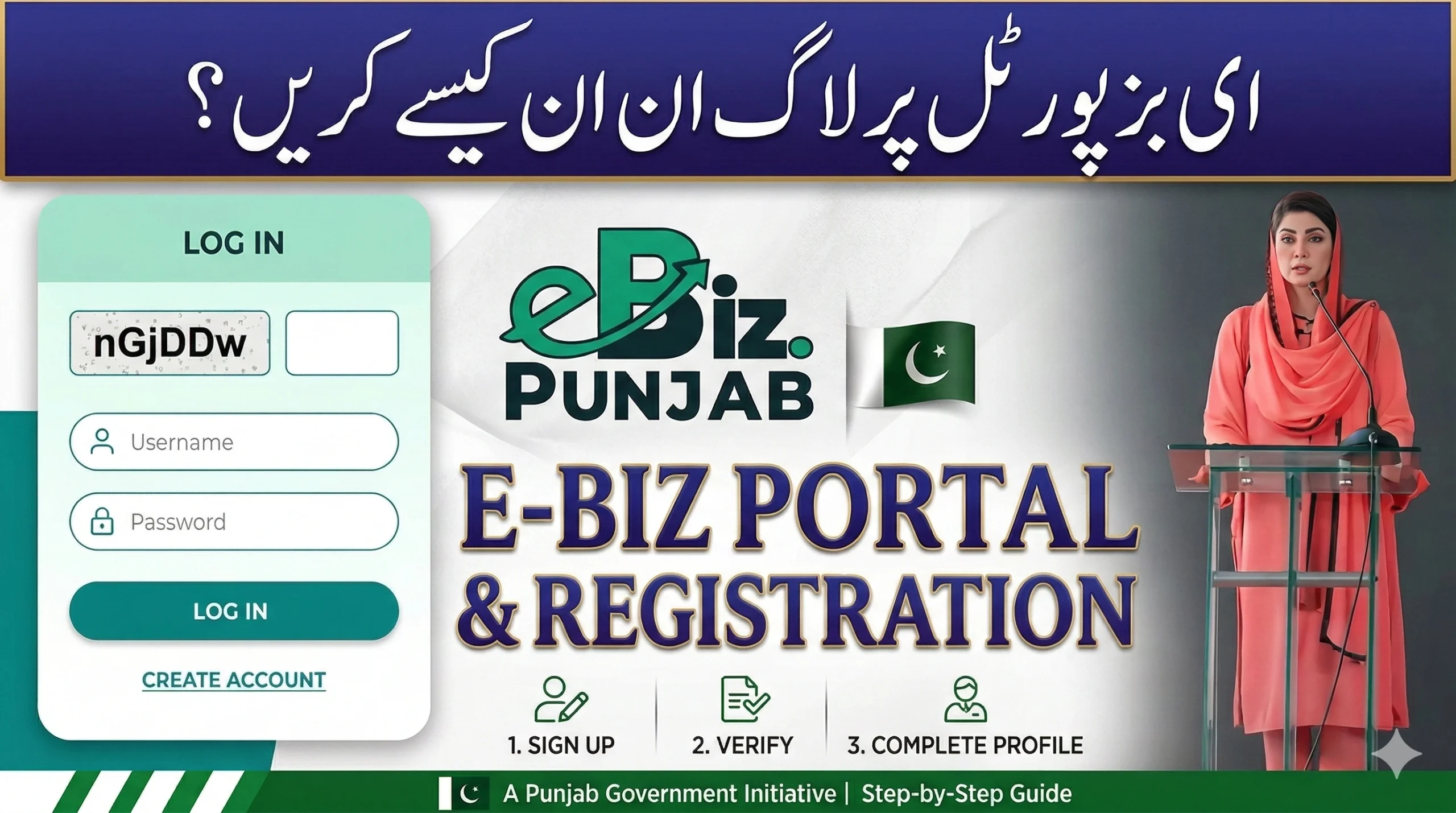
How to Use the eBiz Portal Login 2026
To keep your business data safe, the portal uses high-level security. Logging in is a straightforward process, but it requires a few specific steps to ensure your identity.
- Visit the Website: Go to the official link at www.ebiz.gov.pk.
- Enter Your ID: Click the “Login” button. If you are an individual (sole proprietor), use your CNIC. If you are representing a company, use your NTN.
- Password: Type in your secret password.
- OTP Verification: In 2026, security is tighter. You will receive a One-Time Password (OTP) on your phone or email. This code comes from the NADRA-verified contact details linked to your ID.
- Access the Dashboard: Once you enter the code, you will see your personal business home page.
Helpful Hint: Make sure your mobile SIM card is registered in your own name. If it isn’t, you might not receive the security codes needed to log in.

Main Business Services You Can Use Online
The eBiz Portal 2026 is not just for registration; it is a full management tool. Here are the most popular services available:
- Online Registration: You can quickly register a Sole Proprietorship, a Partnership, or a Private Limited Company.
- License Management: Apply for new trade licenses or renew your old ones without leaving your desk.
- Tax Integration: The system connects directly with the FBR. You can link your National Tax Number (NTN) to show that your business is a “filer” and follows the law.
- Digital Certificates: You can download official, signed documents. These are valid for opening bank accounts or applying for government contracts.
- Property Rights (IPR): If you have a brand name or a logo, you can start the process for Trademarks and Copyrights here.
Step-by-Step Sign-Up for New Users
If you are a new entrepreneur in 2026, follow these simple steps to create your account:
- Find the ‘Sign Up’ Button: This is usually at the top of the eBiz homepage.
- Verify Your Identity: Type in your 13-digit CNIC number and your mobile phone provider.
- Fill in Your Profile: Enter your full name, email, and home address. Make sure these match what is on your ID card.
- Create a Password: Choose a strong password. It is best to use a mix of capital letters, numbers, and symbols like “#” or “!”.
- Final Verification: Click the link sent to your email and enter the code sent to your phone.
- Login: Now you can use the login steps mentioned above to start your first application.
Why the eBiz Digital System is Better in 2026
Switching from paper to digital has many benefits for Pakistani business owners:

- Open 24/7: You can submit your papers at midnight or on a Sunday. The portal never closes.
- Track Your Progress: You don’t have to call anyone to ask about your application. You can see the status in real-time on your dashboard.
- Save Money: You no longer need to pay expensive “agents” or spend money on fuel to travel to government offices.
- Top Security: Your private documents are kept in a secure government cloud system. Only you can access them with your login details.
Fixing Common Login Problems
Sometimes you might face an issue while trying to access the portal. Here is how to fix the most common ones:
- Forgot Password: Simply click “Forgot Password” to get a reset link sent to your phone.
- No OTP Received: This happens if the network is busy. Wait a few minutes or check if you have blocked “shortcode” messages on your phone.
- ID Not Found: If the system doesn’t recognize your CNIC, your data might be old. You may need to visit a NADRA office to update your fingerprints or information.
- Browser Choice: For the best experience, use Google Chrome or Microsoft Edge.
Required Documents
Before you start an application, scan these documents and save them as PDFs (make sure they are smaller than 2MB):

- Your original CNIC (both sides).
- Proof of where your business is (like a recent electricity bill or a rent deal).
- A clear digital photo of yourself.
- Company letterhead (if you are registering a large company).
Frequently Asked Questions (FAQs)
Q1: Is there a cost to use the eBiz Portal?
Creating an account and logging in is completely free. However, if you apply for a license or register a company, you will have to pay the official government fee using a PSID code.
Q2: Can I manage two different businesses with one login?
Yes. In 2026, the portal allows you to connect multiple companies to one CNIC, as long as you are the owner or a director of those businesses.
Q3: What if I get locked out?
If you type the wrong password three times, the system will lock your account for 30 minutes to stop hackers. Wait half an hour and try again.
Q4: Is this the same as the FBR Iris website?
No, they are different. The eBiz Portal is for business registration and licenses, while Iris is for filing annual income tax returns. However, they do share information to make things easier for you.
Conclusion
The eBiz Portal is the best way to handle business in Pakistan in 2026. It makes things transparent, fast, and easy for everyone. By keeping your login details safe and following the steps above, you can focus on growing your business instead of worrying about paperwork.